

Here’s a question worth asking before you buy any first 3D printer: how many hours are you willing to lose to setup, calibration, and troubleshooting before you print a single thing you actually wanted?
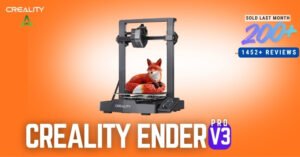
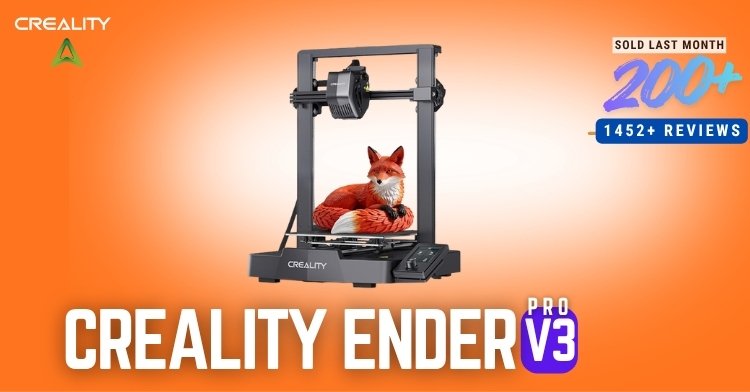
If your honest answer is “as few as possible,” the Creality Ender 3 V3 SE was built with you in mind. It’s not trying to be the fastest or fanciest printer on the market. Instead, it’s trying to be the printer that gets out of your way and just works — and based on the 100+ people who bought one last month, it’s clearly succeeding at that.
Let’s break down exactly why the Creality Ender 3 V3 SE has become such a popular entry point into 3D printing.
👉 Check today’s price on Amazon
Creality Ender 3 V3 SE Setup: Why “Easy Assembly” Actually Means Something Here
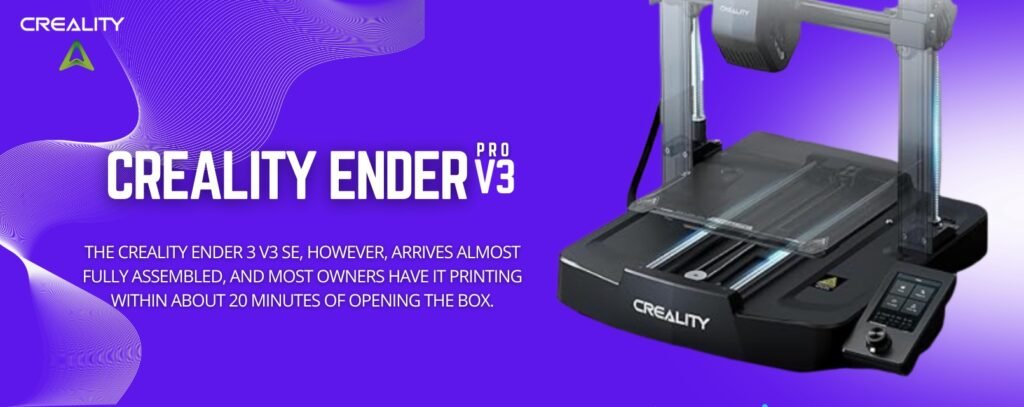
A lot of printers claim to be beginner-friendly. Very few actually deliver on it. The Creality Ender 3 V3 SE, however, arrives almost fully assembled, and most owners have it printing within about 20 minutes of opening the box.
That matters more than it sounds. In fact, the single biggest reason first-time buyers abandon 3D printing isn’t the hobby itself — it’s a frustrating setup that sours the whole experience before the first print even starts. The Ender 3 V3 SE sidesteps that problem almost entirely, which is exactly why it keeps showing up as the go-to recommendation for beginners.
Auto Leveling on the Creality Ender 3 V3 SE: Goodbye, Manual Calibration
Ask any experienced 3D printing hobbyist what they wish they’d had on their first machine, and “auto leveling” comes up almost every time.
The Creality Ender 3 V3 SE solves this with its CR Touch auto-leveling sensor, which maps your bed automatically before every print. As a result, you skip the classic beginner nightmare of manually adjusting four corner screws, printing a test layer, and repeating the process until it finally looks right.
On top of that, the printer includes a strain sensor for auto Z-offset, so getting a clean first layer becomes far less of a guessing game. In short, this single feature alone removes the most common reason first prints fail.
Creality Ender 3 V3 SE Speed: 250mm/s Without Losing Print Quality
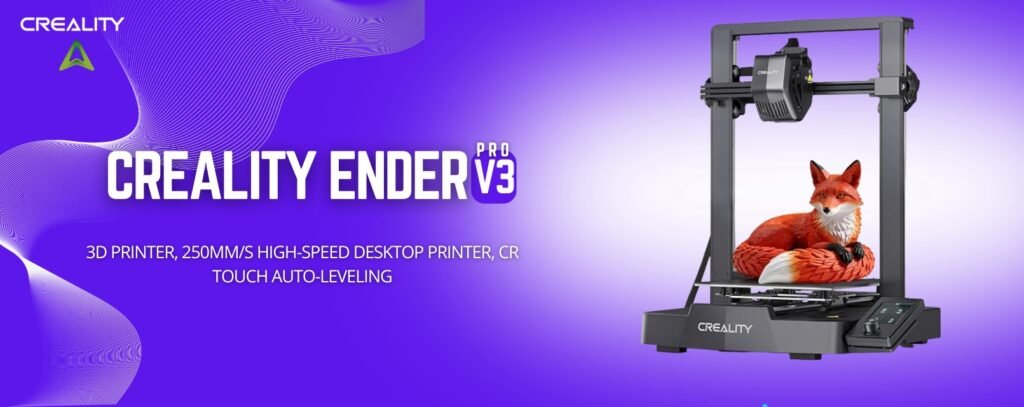
Here’s where the Creality Ender 3 V3 SE quietly outperforms its price bracket. It prints at up to 250mm/s with 2500mm/s² acceleration — noticeably faster than older Ender models like the Ender 3, Ender 3 V2, and Ender 3 Pro.
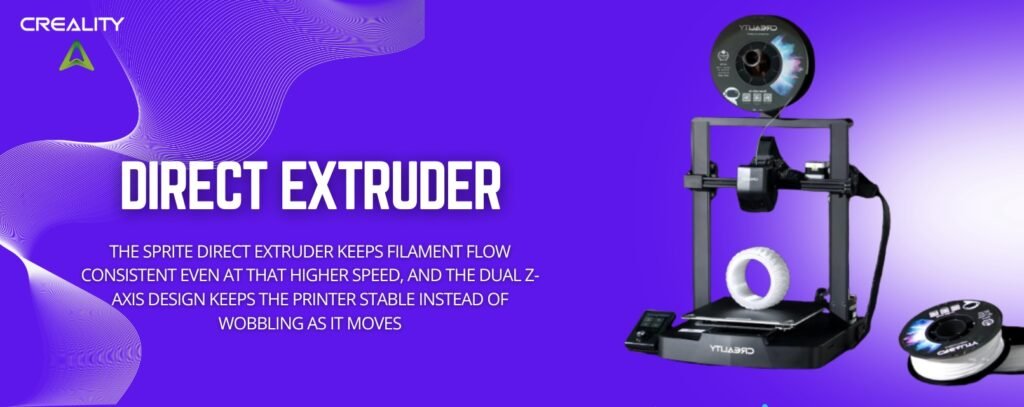
Meanwhile, the Sprite Direct Extruder keeps filament flow consistent even at that higher speed, and the dual Z-axis design (synced by a timing belt) keeps the printer stable instead of wobbling as it moves. Consequently, you get faster prints without the usual tradeoff of rougher, less accurate results.
Add in auto-load filament, and even switching materials becomes a one-tap process instead of a manual threading exercise.
Creality Ender 3 V3 SE Reviews: What Real Buyers Are Saying
Specs are one thing, but real-world demand tells you something specs can’t. Here’s what the numbers on the Creality Ender 3 V3 SE actually show:
- ⭐ 4.1 out of 5 stars from 1,452 reviews
- 🔥 100+ units bought in the past month
- 💰 Typically priced around $186–$219, depending on current promotions
With over 1,400 reviews backing it up, the Ender 3 V3 SE isn’t a niche pick — it’s one of the most consistently recommended entry-level 3D printers available right now.
👉 See today’s price and availability here
Creality Ender 3 V3 SE Full Spec Sheet
| Spec | Detail |
|---|---|
| Brand | Creality |
| Model | Ender 3 V3 SE |
| Max Print Speed | 250mm/s |
| Acceleration | 2500mm/s² |
| Print Volume | 8.66 × 8.66 × 9.84 in |
| Leveling | CR Touch auto-leveling |
| Extruder | Sprite Direct Extruder |
| Z-Axis | Dual Z-axis, timing-belt synced |
| Filament Loading | Auto-load/unload |
| Assembly | Easy, roughly 20 minutes |
Creality Ender 3 V3 SE Pros and Cons: The Honest Take
No printer is perfect, and a review that pretends otherwise isn’t one worth trusting. So here’s the balanced picture on the Creality Ender 3 V3 SE.
✅ What Stands Out
- Genuinely easy assembly — printing within about 20 minutes
- CR Touch auto leveling removes the most frustrating beginner step entirely
- 250mm/s speed that beats older Ender models without sacrificing quality
- Sprite Direct Extruder keeps filament flow smooth and consistent
- Dual Z-axis design reduces wobble for cleaner results
- Auto-load filament makes material changes effortless
- Backed by 1,452 reviews, one of the most reviewed printers in its class
❌ What to Consider First
- At 4.1 stars rather than 4.5+, some buyers report a learning curve with the printer’s software or slicer setup
- Smaller print volume (8.66 × 8.66 × 9.84 in) compared to larger machines, so oversized models won’t fit
- Open-frame design, meaning it’s more sensitive to drafts and room temperature than an enclosed printer
- Entry-level hardware means it’s not built for the same speed or scale as premium models
None of these are dealbreakers for a first printer — they’re simply the expected tradeoffs of a machine built around affordability and simplicity rather than maximum capability.
Who Should Buy the Creality Ender 3 V3 SE?
Ask yourself: do you want your very first 3D printer to be simple and forgiving, or are you already comfortable with calibration and troubleshooting?
The Creality Ender 3 V3 SE makes sense if you:
- Are buying your first 3D printer and want the smoothest possible learning curve
- Want auto leveling and auto filament loading so you can focus on designing, not maintaining
- Print mostly small to medium single-color projects, props, or functional parts
- Want a well-reviewed, budget-friendly printer with a large support community
It might not be for you if:
- You need a large build volume for oversized prints
- You want built-in multicolor printing — in that case, the Creality K2 SE is a better fit
- You’re looking for maximum speed and enclosed-chamber printing for demanding filaments
Creality Ender 3 V3 SE FAQ
Is the Creality Ender 3 V3 SE good for complete beginners? Yes — it’s specifically designed for first-time users, with fast assembly, auto leveling, and auto filament loading handling most of the traditional setup headaches.
How fast does the Creality Ender 3 V3 SE actually print? Up to 250mm/s with 2500mm/s² acceleration, which is faster than earlier Ender models while still maintaining good print quality.
Does the Creality Ender 3 V3 SE require manual bed leveling? No. The CR Touch sensor handles leveling automatically before each print, along with an auto Z-offset system for a clean first layer.
What’s the print volume of the Creality Ender 3 V3 SE? 8.66 × 8.66 × 9.84 inches — suitable for most hobbyist projects, though larger models may need to be split or printed on a bigger machine.
Final Verdict on the Creality Ender 3 V3 SE
If you’re stepping into 3D printing for the first time and want a machine that removes the usual friction — slow assembly, manual leveling, fiddly filament loading — the Creality Ender 3 V3 SE checks every one of those boxes. It’s fast for its class, genuinely easy to set up, and backed by over 1,400 real customer reviews.
With 100+ units sold last month and a strong 4.1-star average, the Creality Ender 3 V3 SE has earned its reputation as one of the best starter 3D printers you can buy today.
🔗 Grab the Creality Ender 3 V3 SE at today’s price
As an Amazon Associate, we may earn a commission from qualifying purchases — at no extra cost to you.